 TableGrab
Export any web table to Excel or CSV. One click.
TableGrab finds every table on the page, previews it and exports it — merged cells handled, numbers kept as numbers. Everything runs in your browser; nothing is uploaded.
Add to Chrome — free Get Pro — $19 once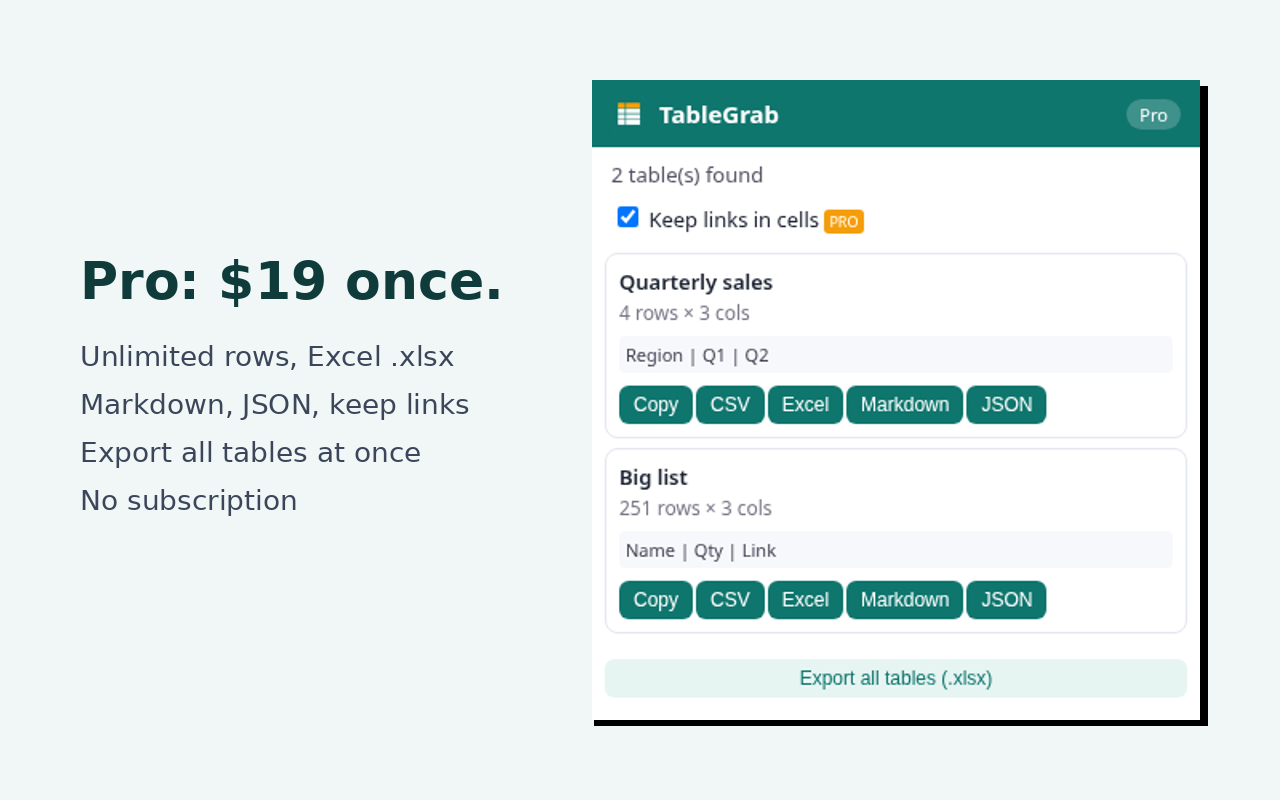
Free vs Pro
| Free | Pro ($19 one-time) | |
|---|---|---|
| Detect & preview tables | ✓ | ✓ |
| Copy to clipboard, CSV | first 100 rows | unlimited |
| Excel .xlsx, Markdown, JSON | – | ✓ |
| Keep links in cells | – | ✓ |
| All tables into one workbook | – | ✓ |
| Subscription | none | none — pay once, use on 3 browsers |
How to export an HTML table to Excel
- Open the page with the table.
- Click the TableGrab icon.
- Click Excel (or CSV / Copy) next to the table you want.
Privacy
TableGrab only reads a page when you click its icon (Chrome's activeTab). No analytics, no tracking. The only network call is verifying your Pro license key. Privacy policy.
FAQ
Activation? After purchase your key is in the receipt email. Right-click the icon → Options → paste key.
Refunds? Within 14 days — email support.
Support: support@usetablegrab.com